Puedes add a custom reference to your orders to identify them easily by project, job, client, or internal number. This reference complements the GroupSumi order number and will also appear on the documents associated with the order.
Add a reference from the cart
Add the products you need to the cart.
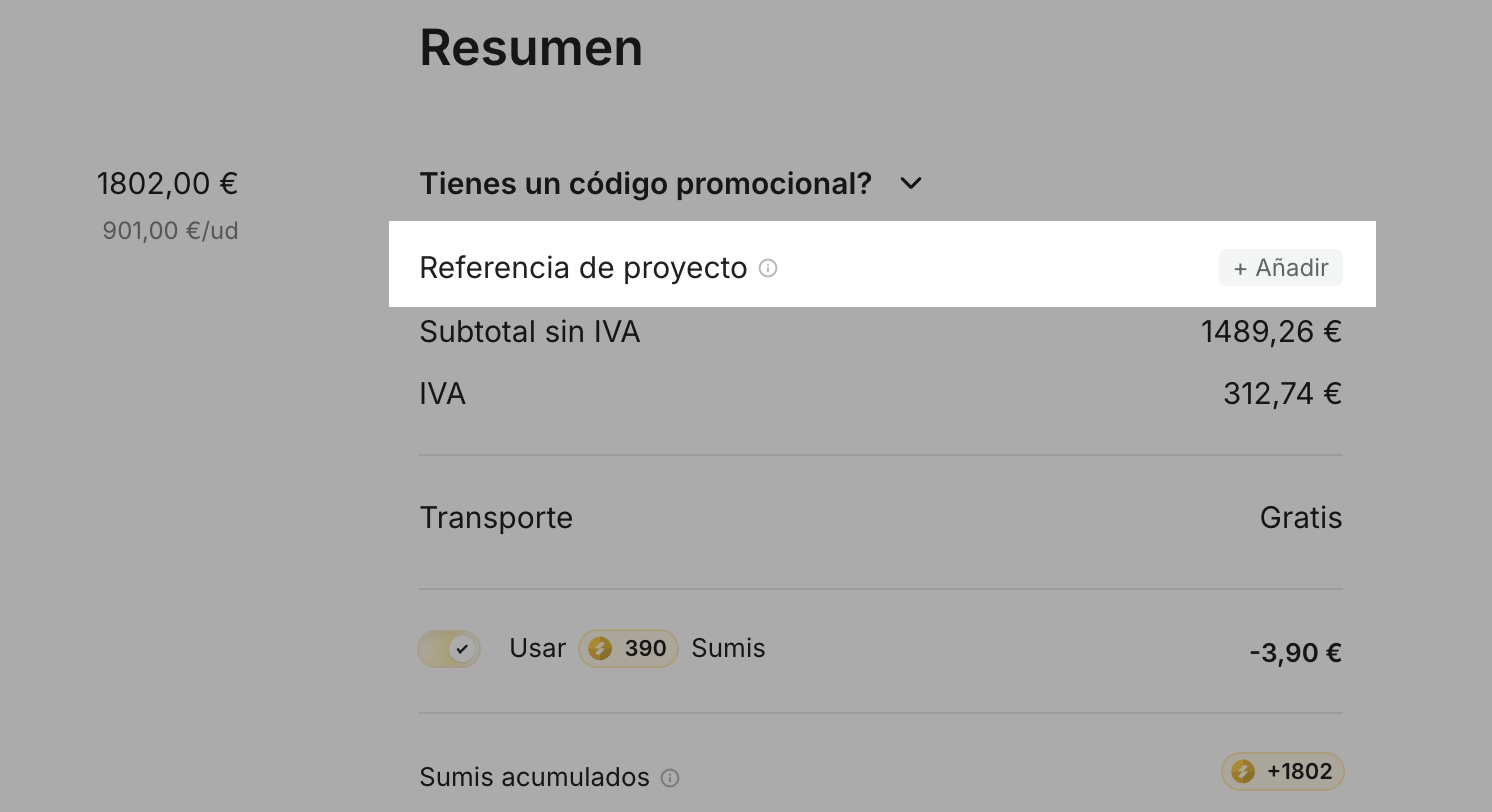
In the cart summary, locate Project reference.
Click Add.
Enter a reference of up to 50 characters.
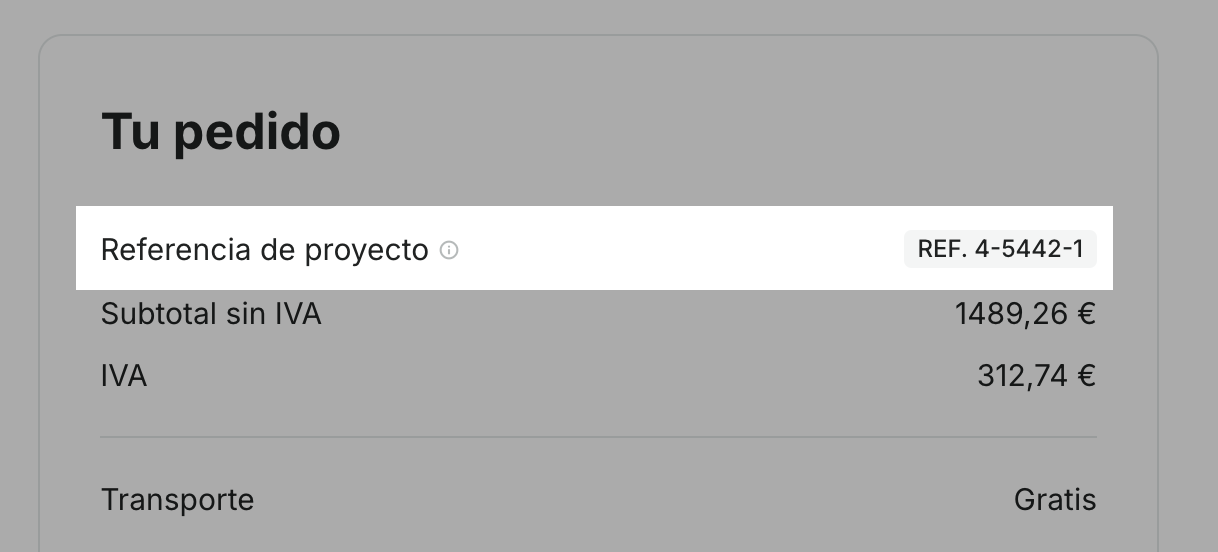
You will be able to review the reference before completing the purchase, in the checkout summary.
Add or modify the reference from My account
You can also add, modify, or delete the reference after placing the order:
Log in and go to My account.
Enter My orders.
Open the order you want to modify.
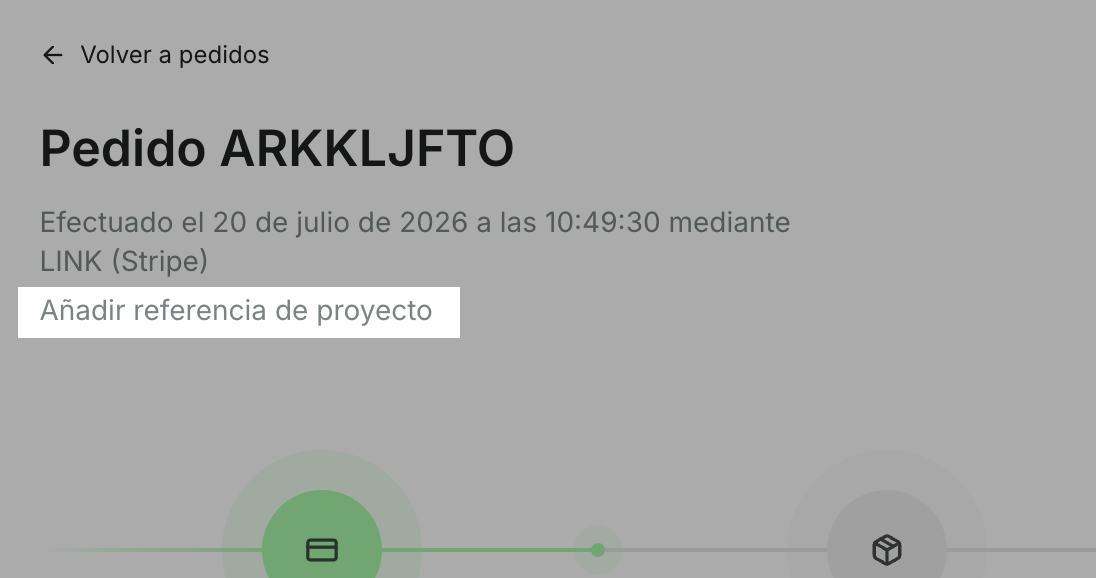
Click Add project reference or the reference that appears below the order information.
Enter the new reference and click Save.
What happens when you modify it?
When you update the reference, the change will apply to the order and all its associated documents.
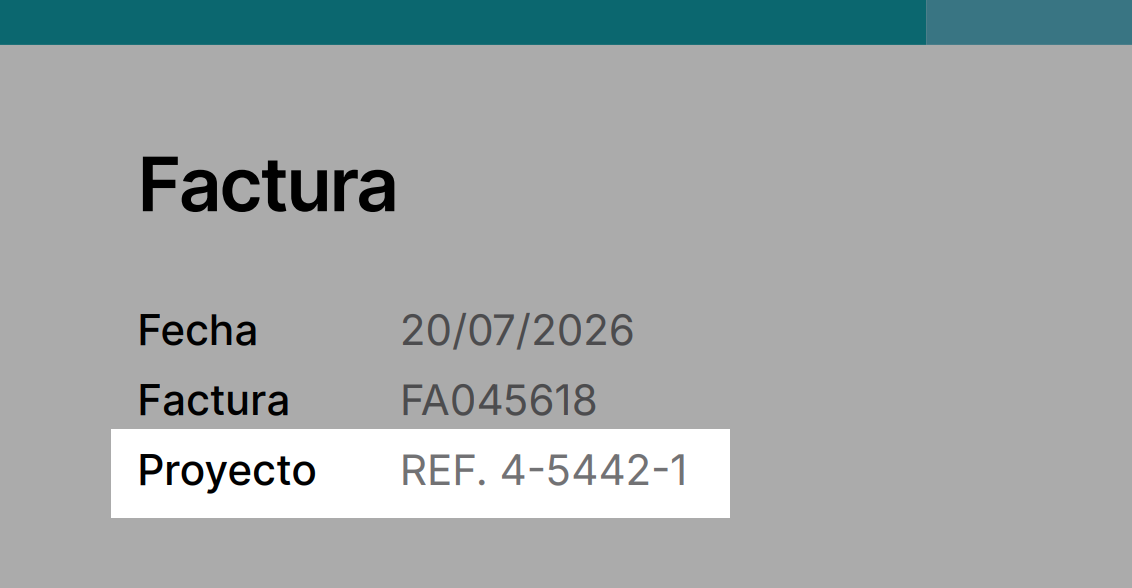
The new reference will appear when you view or download documents such as invoices, proforma invoices, quotes, and delivery notes again.
Where can I see the reference?
The custom reference appears in:
The cart summary.
The checkout summary.
The order details in My account.
The documents associated with the order.
This way you can easily relate each GroupSumi order to your project, job, or internal system.